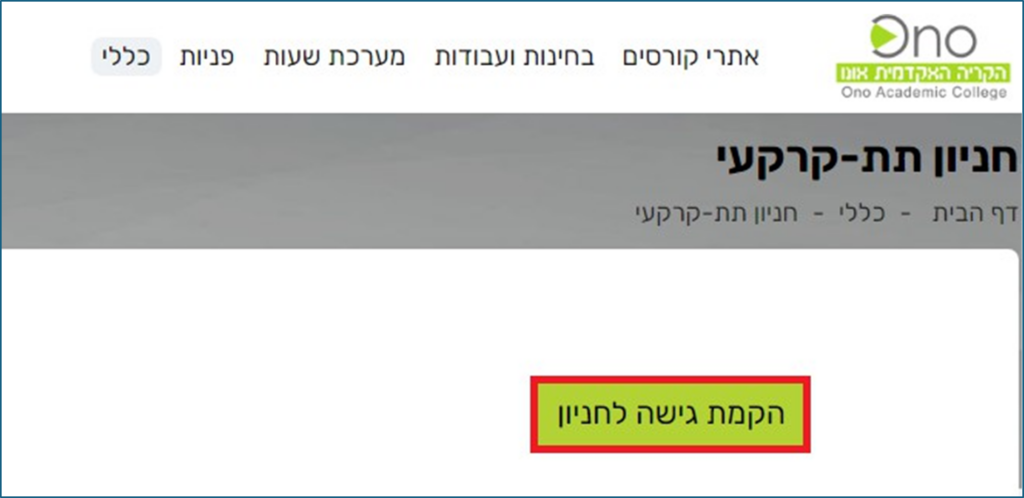
Here are the steps for registering for the Ono Campus underground parking garage on Academic Boulevard 1
1. Log in to the Marza Information Portal using your username and password. 2. In the top menu, select"General" > " Update Personal Information"
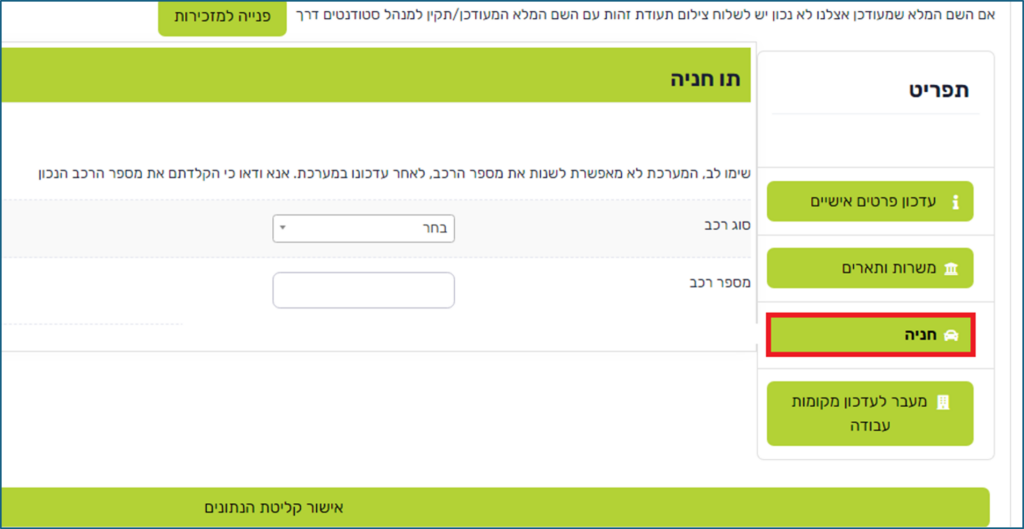
3. On the screen that appears, click"Parking" in the menu on the right and update the vehicle type and license plate number. 4. Finally, click the "Confirm Data" button.
5. After updating the data, click on " General " in the top menu and select the "UndergroundParking" option

6. On the screen that appears, click the "Set Up Parking Access" button